Read PDFs aloud, including scanned ones
Open a PDF and Lullula reads it aloud — research papers, textbooks, reports — with live sentence highlighting so your eyes never lose the line.
Free · No account needed · Works with text-based and scanned PDFs
How to read a PDF aloud
Install Lullula, open a PDF, and press play.
Install Lullula
Add the free extension from the Chrome Web Store, Edge Add-ons or Firefox Add-ons.
Open a PDF
Open a PDF from the web, or drag one off your computer onto a new browser tab.
Press play
Lullula reads the PDF aloud and highlights each sentence; once you sign in, it saves your place.
Can Lullula read your PDF?
Lullula reads text-based and scanned PDFs. A scanned page is recognized before it is read, so it takes a little longer.
Works with text-based and scanned PDFs
Research papers, reports, textbooks, manuals, and downloaded articles usually work well. Scanned PDFs work too: Lullula recognizes the text on each page in your browser, then reads it aloud like any other page. Clean, printed scans work best.
PDFs on your own disk
A PDF opened from your computer works too, and the shortest way in is to drag the file onto a new browser tab. In Chrome and Edge, turn on the extension’s access to file URLs once and it opens straight into the reader; without that, and always in Firefox, Lullula shows a panel you can drop the same file onto.
Built for real documents
On Chrome and Firefox, Lullula reads tables row by row, takes multi-column pages and headings that span columns in order, and skips the headers, footers and page numbers repeated on every page. In academic papers it also leaves out line numbers, footnote blocks and the bibliography, and still reads an appendix after it. It also straightens rotated or skewed scanned pages before recognizing them, though results depend on scan quality.
Made for dense documents
Research papers
Get through journal articles and preprints by ear — and follow the highlight to stay with the argument.
Textbooks
Listen to chapters while you review your notes, and, once you sign in, resume exactly where you stopped.
Reports
Turn long PDFs and whitepapers into audio you can absorb hands-free.
Language learners
Hear natural pronunciation in 80+ languages while reading the page along.
Understand long PDFs before you listen
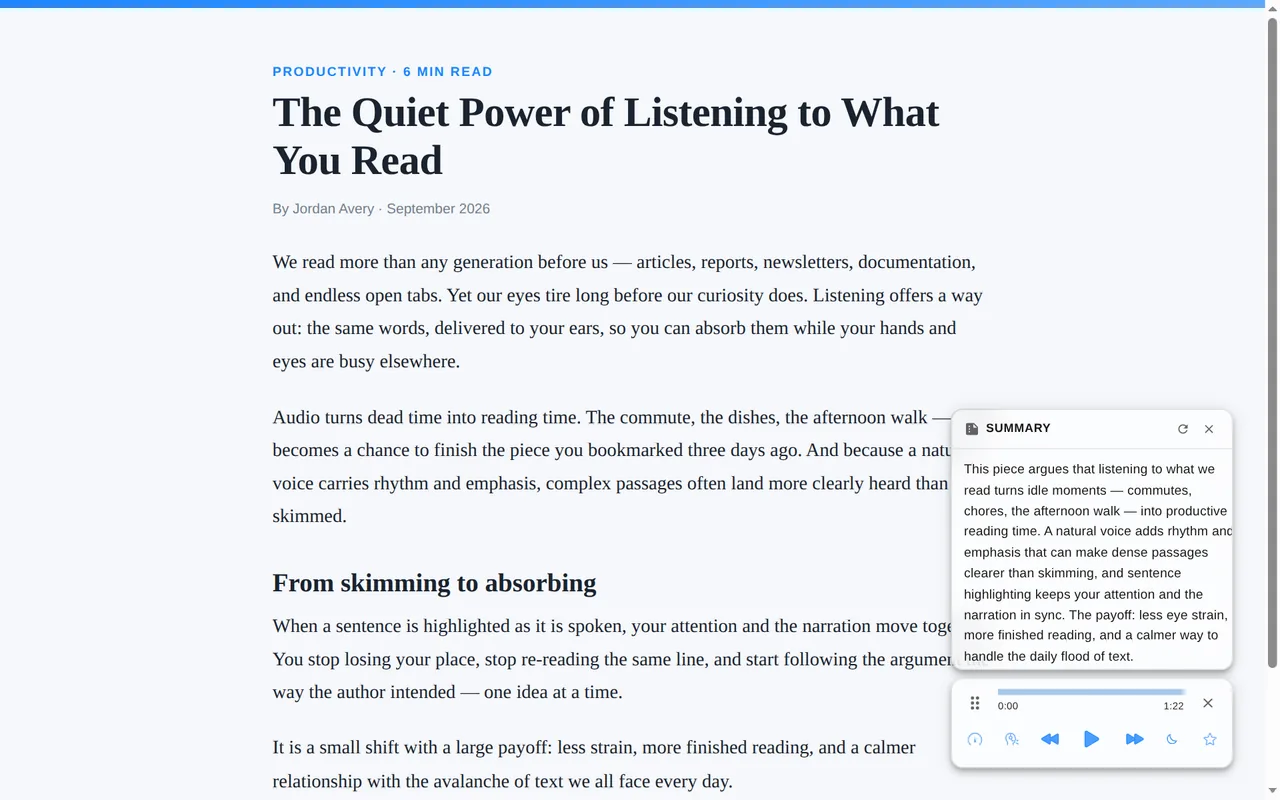
Get the gist first, then decide whether to listen to the whole document.
Why not just use your browser's PDF reader?
Your browser can show a PDF, but it can't read it to you the way Lullula does.
Questions, answered
Can Lullula read scanned PDFs?
Yes. When a PDF page is only an image, such as a scan or a photographed document, Lullula recognizes the text in your browser and reads it aloud with the same sentence highlighting. If your device can't do that quickly or clearly, that page is recognized on our server instead, which uses about 100 words of your premium allowance per page. Clean, printed scans work best, and the first scanned PDF takes a little longer while the recognizer downloads.
Does it work on large PDFs?
Yes. Lullula handles long documents like research papers, textbooks, and reports, and once you sign in it remembers where you stopped so you can pick up where you left off.
What languages can it read PDFs in?
600+ natural neural voices across 80+ languages, with adjustable speed from 0.5× to 2×.
Is my PDF content private?
We don't monitor pages you don't ask Lullula to read, and we don't sell your data. Your PDF file is never uploaded. A premium voice sends the document's text to our servers to generate the audio; AI summaries send it to our servers and an AI provider (you can turn summaries off in the extension's settings). Scanned pages are recognized in your browser first; a page your device can't recognize, or an equation, can be sent as an image to our servers and a recognition service (AWS Textract or Mathpix). See our Privacy Policy for every service involved.
How do I know if my PDF has selectable text?
Try selecting a sentence in the PDF with your mouse. If you can highlight and copy the text, the PDF has a text layer and Lullula starts reading right away. If you can only select the whole page as an image, it is a scanned page: Lullula recognizes the text first, which takes a little longer, then reads it aloud the same way.
Can I read local PDF files aloud?
Yes. Open a local PDF in your browser, text-based or scanned, and Lullula reads it aloud. In Chrome and Edge it opens straight into the reader once you allow the extension access to file URLs; otherwise, and always in Firefox, drop the file onto the panel Lullula shows.
Can Lullula read academic papers aloud?
Yes. Lullula is useful for journal articles, preprints, research papers, and technical PDFs, especially when you want to follow along with sentence highlighting.
Can it read a PDF while I do something else?
Yes. Press play and listen while you take notes in another tab, tidy up, or rest your eyes.
Listen to your next PDF
Lullula also reads web pages aloud and EPUB e-books aloud.
Add to Chrome — It's Free