Read web pages aloud, built for listening
Press play on any article. Lullula reads it aloud in a natural voice, highlights each sentence as it goes, and, once you sign in, picks up where you stopped. Free browser extension, 80+ languages.
Free · No account needed · Installs in seconds
From an open tab to a voice you can follow
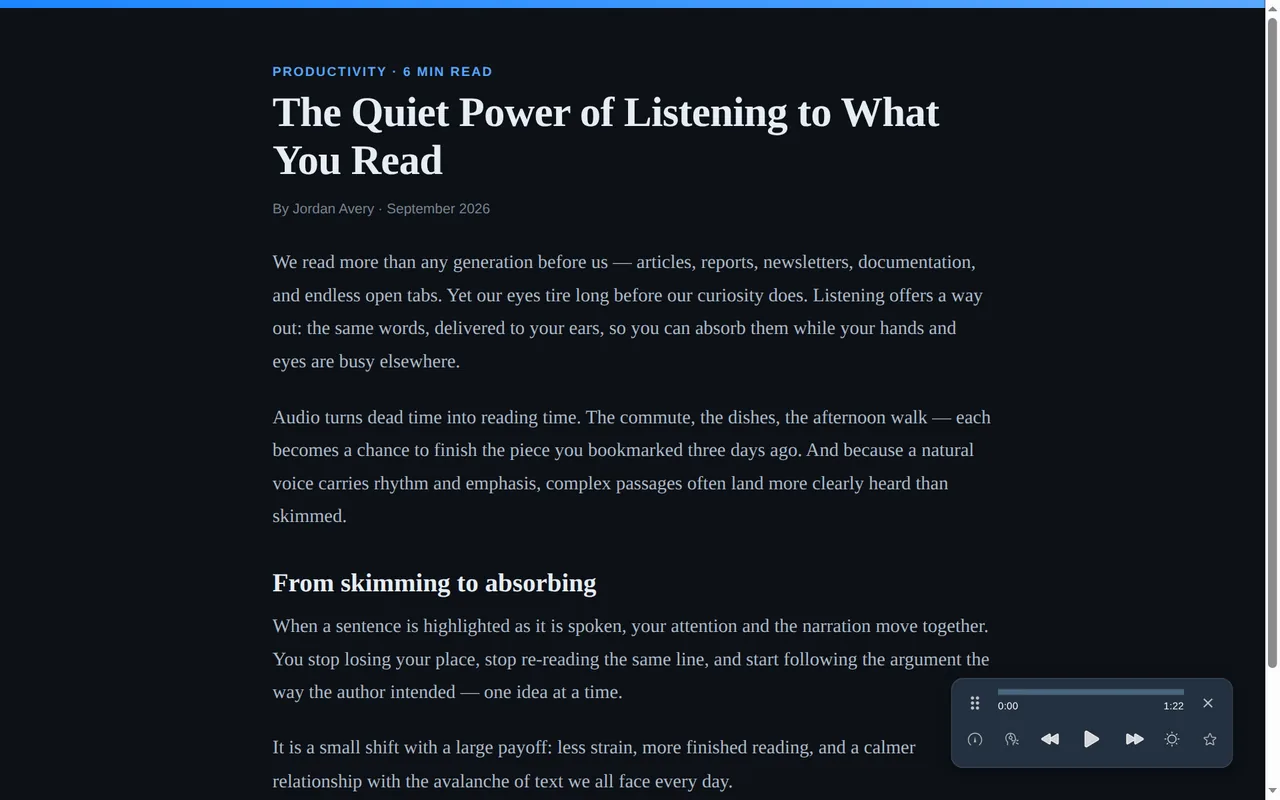
Lullula extracts the article, shows a clean reading view, and highlights each sentence as it speaks.
How to read a web page aloud
Install Lullula, open an article, and press play. No account required to start.
Install Lullula
Add the free extension from the Chrome Web Store, Edge Add-ons or Firefox Add-ons.
Open any article
Visit a news article, blog post, documentation page, newsletter, or long-form web page.
Press play
Lullula starts at the first sentence of the article and reads it aloud, highlighting each sentence as it goes.
Finding the article is the easy part
Firefox Reader View, Chrome’s reader and the tools built on them all find the article. So does Lullula. The difference starts after that. Your eyes do work a voice can’t: they skip a line that isn’t for you, back up half a paragraph, hold your place while you answer a message. On screen a line you don’t need costs you a glance; in your ear it costs you a sentence. Here is what Lullula puts around the voice.
It starts at the first sentence
Not at the top of the page. Reader views do this too — it’s table stakes, not our idea. We just don’t undo it the moment the voice starts.
The highlight follows the voice
Each sentence lights up as it’s spoken and the page scrolls to keep it in view. Glance back after doing something else and you’re on the right line instead of hunting for it.
Speed, and a step back by sentence
0.5× to 2×, in seven steps. Back and forward move one whole sentence rather than a fixed number of seconds, so hearing something again starts where the thought starts.
It remembers the sentence
With a free account, Lullula picks up on the sentence you stopped on: close the tab, come back tomorrow, press play. It keeps a place per page rather than one bookmark for the whole browser.
Google Docs, PDFs and EPUBs work the same way
Same player and, once you sign in, the same saved place, on a doc, a paper or a book. PDFs and EPUBs highlight the sentence in place; in Google Docs it appears in a caption bar along the bottom of the window instead. Text-based and scanned PDFs, and DRM-free EPUBs.
Two things worth saying plainly
- This page used to say something false. An earlier version implied that other read-aloud tools read your menus, your cookie banner and your ads. They don’t. Firefox Reader View, Chrome’s reader and the tools built on them find the article, the same as we do. We’ve taken the claim down, and we’re not replacing it with a different claim about who extracts better.
- Where a voice and an eye part ways. On one YouTube page in our test set, Firefox’s Readability handed the reader
19MLikes1,813,587,300Viewsand 48 more lines like it. Read out loud, that one line is “one billion, eight hundred thirteen million, five hundred eighty-seven thousand, three hundred.” Lines like that are what we tune for, and we score ourselves against Mozilla Readability — the extraction library behind Firefox Reader View — on the same pages, and keep the losses in. One caveat matters more than the result: we ran that benchmark ourselves. The rules behind it shipped in v1.6.0 on 13 September 2026. We last re-ran the benchmark on 23 September 2026, on the v1.7.1 code, and every figure was unchanged. Everything in the five rows above is in every store version today.
Read or listen — your call
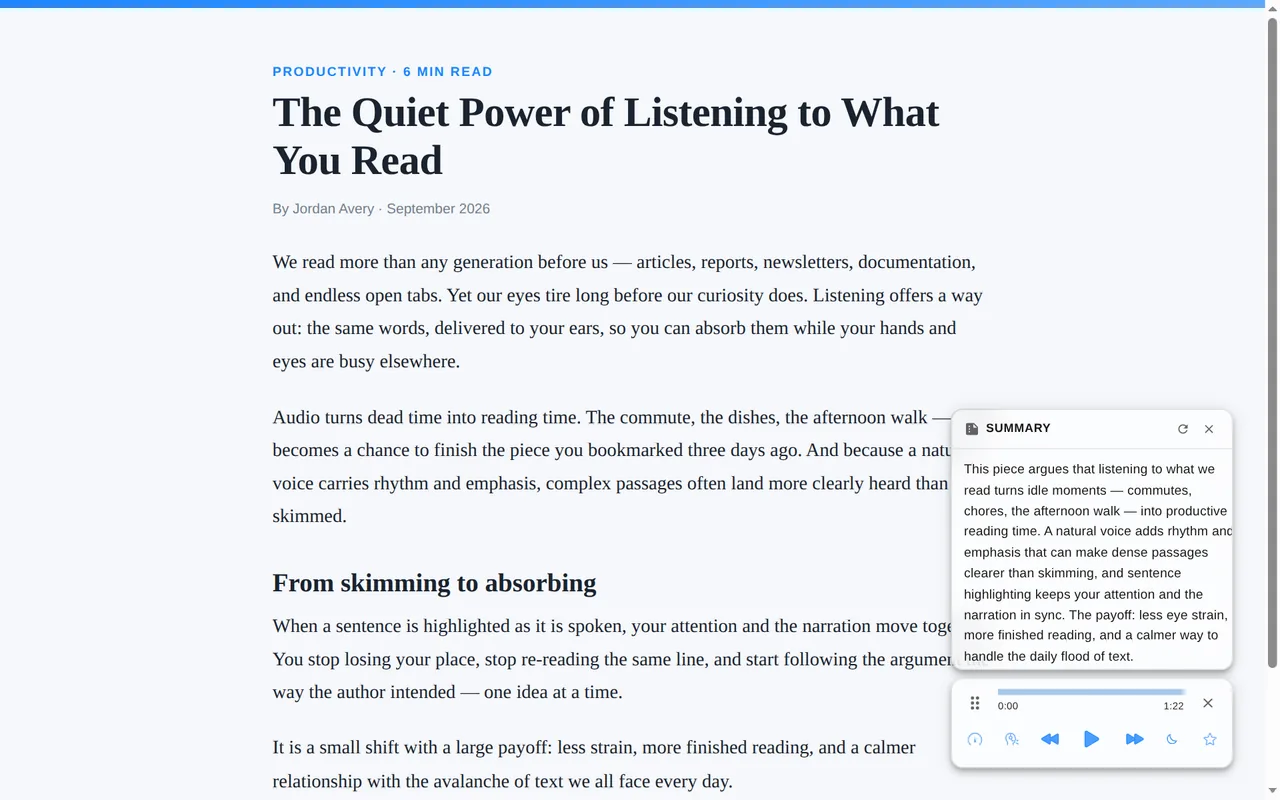
Same article, however deep you want to go. Let AI hand you the gist, hear the whole thing in a natural voice, or just read it.
Why use Lullula instead of a basic text-to-speech reader?
Your browser can turn a page into speech. Lullula is built around listening to it — it keeps your place once you sign in, works the same way on Google Docs, PDFs and EPUBs, and gives you 600+ neural voices to do it in.
Built for the way you read the web
Students
Get through long readings and articles — and retain more by following the highlight as you listen.
Professionals
Clear your article backlog between meetings or while your eyes rest from the screen.
Language learners
Hear natural pronunciation in 80+ languages while you read along, sentence by sentence.
Accessibility
Ease eye strain and reading fatigue — a gentler way through text for dyslexia, ADHD, or low vision.
Works best on real reading pages
Lullula is designed for text-heavy pages where there's something meaningful to read.
Great for
News articles, blogs, essays, documentation, Wikipedia pages, newsletters, tutorials, and long-form web content.
Not ideal for
App dashboards, social feeds, pages with very little text, heavily interactive pages, or sites that block browser extensions.
Questions, answered
Does it work on every website?
Lullula reads virtually any text-based page — news, blogs, docs, Wikipedia, and more. A handful of app-style pages with little real text aren't a fit, and you can exclude any site you don't want it on.
Does it read the whole page or just the article?
Just the article — playback starts at the first sentence of the piece, not at the top of the page. Firefox Reader View, Chrome's reader and the tools built on them find the article too; that part is table stakes. What Lullula adds is around the voice: each sentence highlighted as it is spoken, back and forward by sentence, and, once you sign in, your place kept per page.
How many languages and voices are there?
600+ natural neural voices across 80+ languages. Choose a different narrator per language, and adjust speed anywhere from 0.5× to 2×.
Is my browsing data private?
We don't monitor pages you don't ask Lullula to read, and we don't sell your data. A premium voice sends the page's text to our servers to generate the audio; AI summaries send it to our servers and an AI provider (you can turn summaries off in the extension's settings). Built-in voices are your browser's own speech engine (some browsers' online voices send the text to their provider). On Chrome and Firefox you can also use voices from your own ElevenLabs or OpenAI account: the text read with them goes from your browser straight to that provider, and your key is stored only in your browser, never sent to Lullula. The Privacy Policy names every service that receives text.
Can Chrome read web pages aloud?
Chrome can turn text into speech, and its reader finds the article. Lullula is built around listening to it: each sentence is highlighted as it is spoken, back and forward move a whole sentence, your place is kept page by page once you sign in, and there are 600+ neural voices to pick from. The core reading works the same way in Chrome, Edge, and Firefox.
Can I listen to articles while doing other things?
Yes. Open an article, press play, and listen while you cook, tidy your desk, or take a break from the screen.
Does Lullula work on blogs, news sites, and documentation?
Yes. Lullula works best on text-heavy pages such as blogs, news articles, tutorials, documentation, essays, and Wikipedia-style pages.
Does it work on pages behind a login?
In many cases, yes. If you can open and read the text in your browser, Lullula can usually read it aloud. Some sites block extensions or use app-style layouts that are harder to detect.
Listen to the page instead of reading it
Add Lullula and turn long web pages into natural audio in seconds — free to install, no account needed.
Lullula also reads Reddit and Hacker News threads as a conversation, Google Docs aloud, PDFs aloud, and EPUB e-books aloud. Switching from another reader? See the Speechify alternative.
Add to Chrome — It's Free